
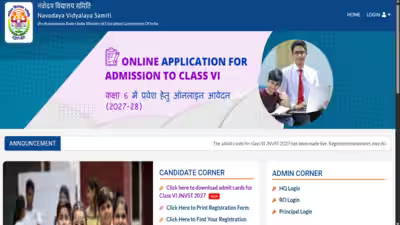
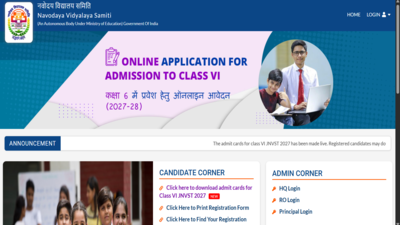
The Navodaya Vidyalaya Samiti (NVS) has released the admit card for the Jawahar Navodaya Vidyalaya Selection Test (JNVST) 2027–28 for Class 6 admissions. Students appearing for the entrance examination can download their hall tickets from the official NVS website at navodaya.gov.in using their registration number and date of birth.The Phase 1 entrance examination for summer-bound Jawahar Navodaya Vidyalayas is scheduled to be held on November 28, 2026. Students must carry a printed copy of their admit card to the examination centre. Entry to the examination hall will require the prescribed documents.The admit card contains important information, including the candidate’s details, examination centre, reporting time and instructions for the exam day. Students and parents should check all the details carefully after downloading the hall ticket.
How to download JNVST Class 6 admit card 2027
Students and parents can follow these steps to download the hall ticket:
- Visit the official NVS website at navodaya.gov.in.
- Open the
JNVST Class 6 admission or admit card section. - Click on the link for the Class 6 admit card 2027.
- Enter the student’s registration number and date of birth.
- Submit the details to view the admit card.
- Download the hall ticket and take a printout for the examination.
Direct link here.Students should keep the printed admit card safe and carry it to the examination centre on November 28.
Details to check on the admit card
After downloading the hall ticket, candidates should check the following details:
- Student’s name
- Registration details
- Examination centre address
- Reporting time
- Examination instructions
If there is any error in the details, parents should contact the concerned authorities through the official NVS channels for clarification.